
Turn Ideas Into
Moving Stories
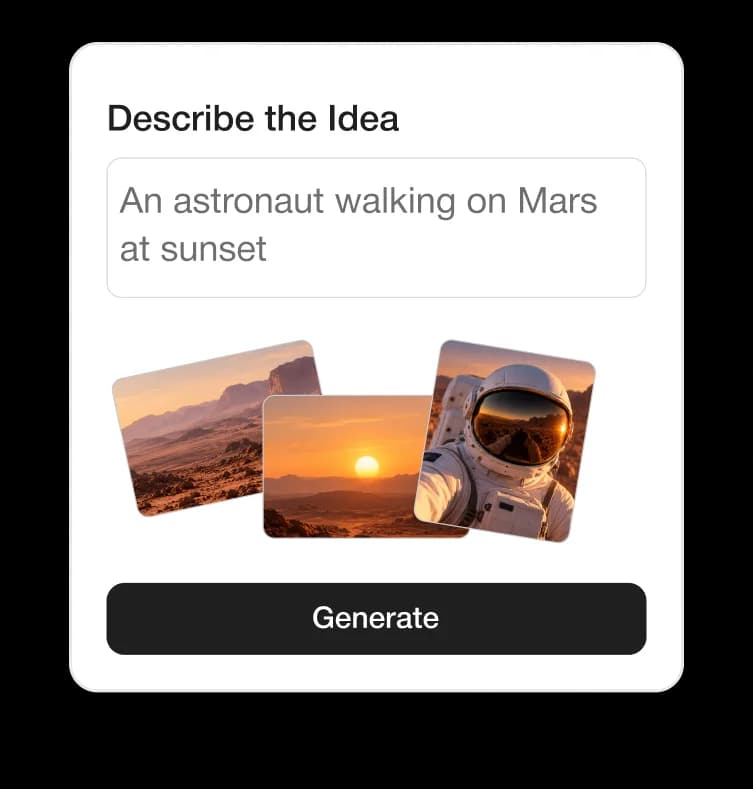
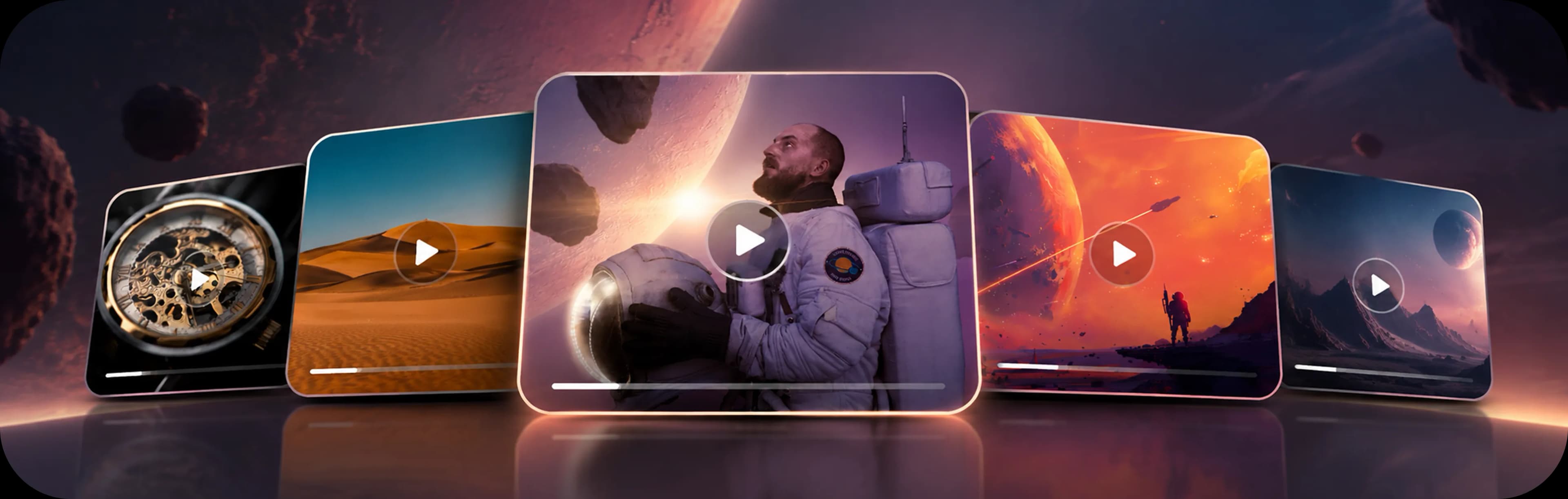
Create cinematic videos from simple ideas with AI. Define the motion, camera direction, duration, format, and output quality, then explore and refine your video from one connected creative workspace.
Free usage available
Motion Direction, Built Into Generation
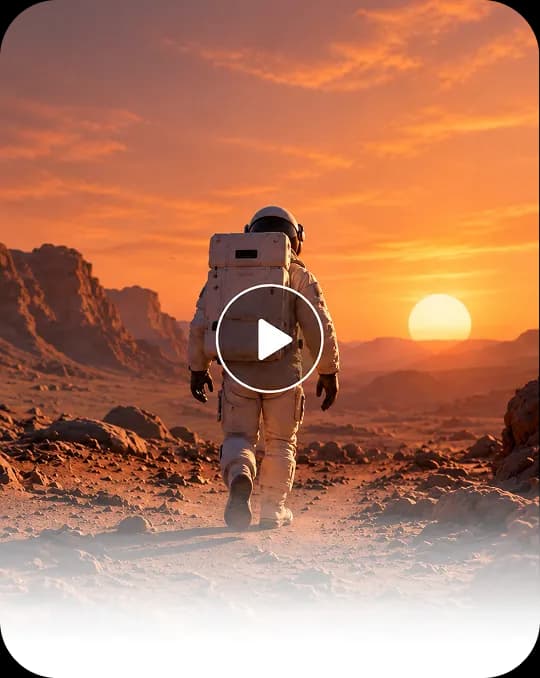
From Direction to Video
Set Your Direction
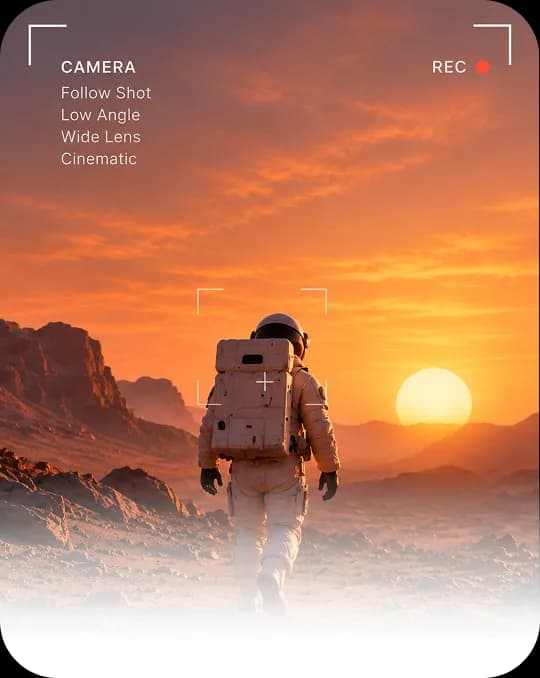
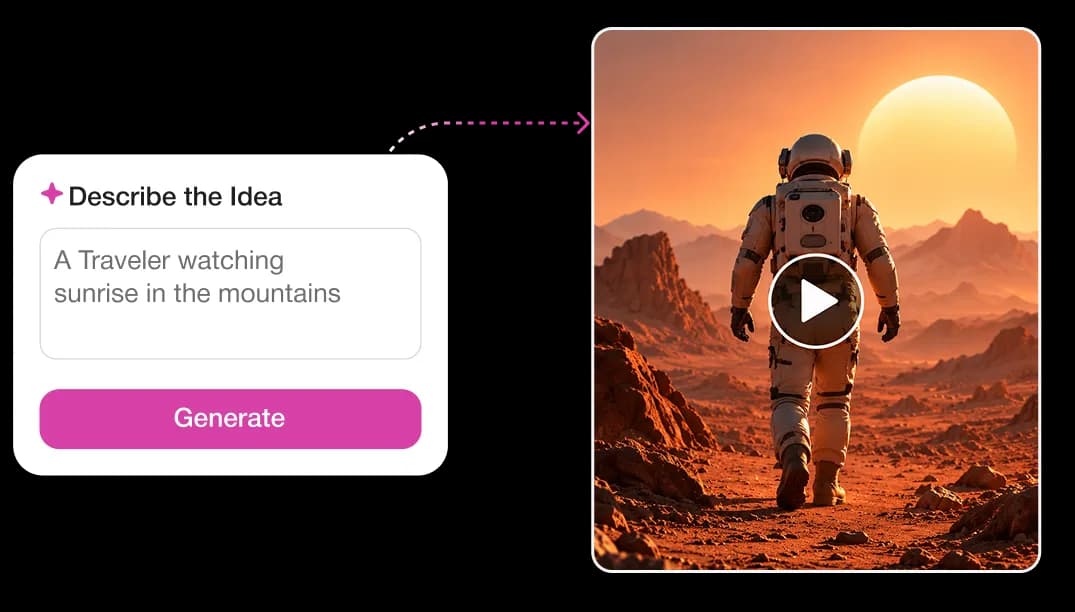
Describe the scene, action, camera movement, and visual mood.
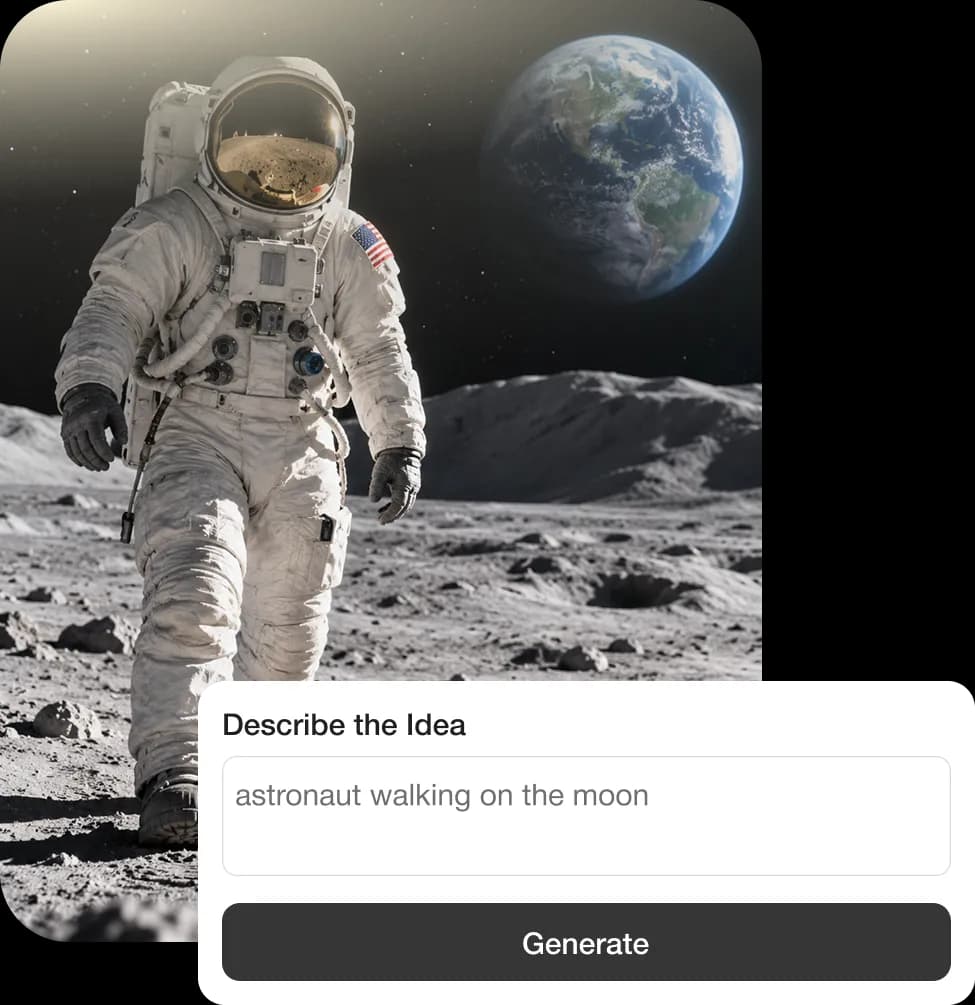

Built for Everyone
Who Creates
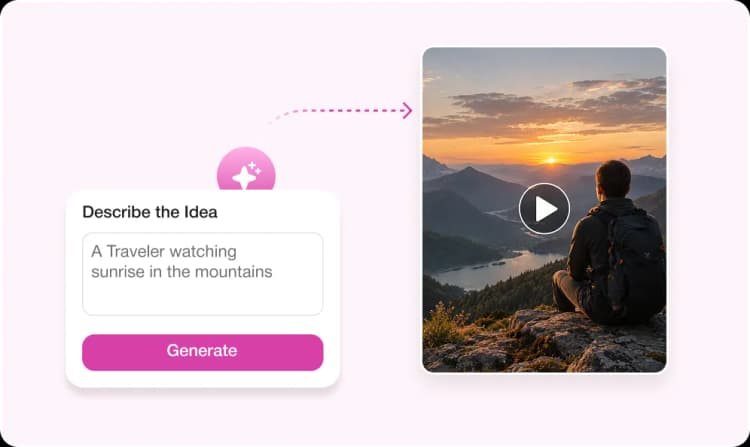
First-Time Creators
Turn ideas into polished videos without film or AI expertise.
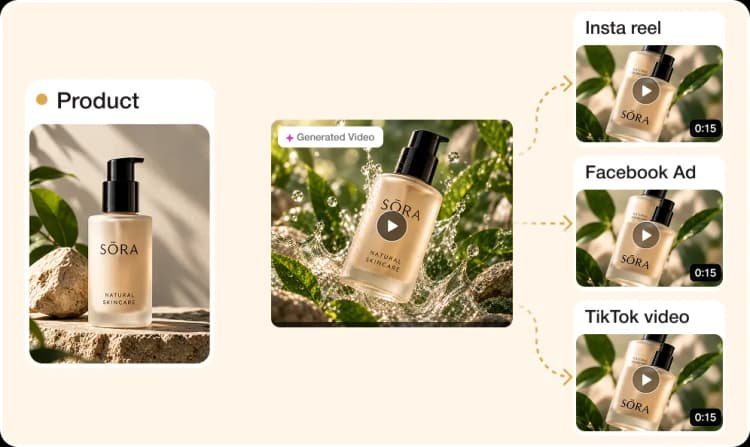
Marketing Teams
Expand one product shot into reels, ads, and short-form video formats.
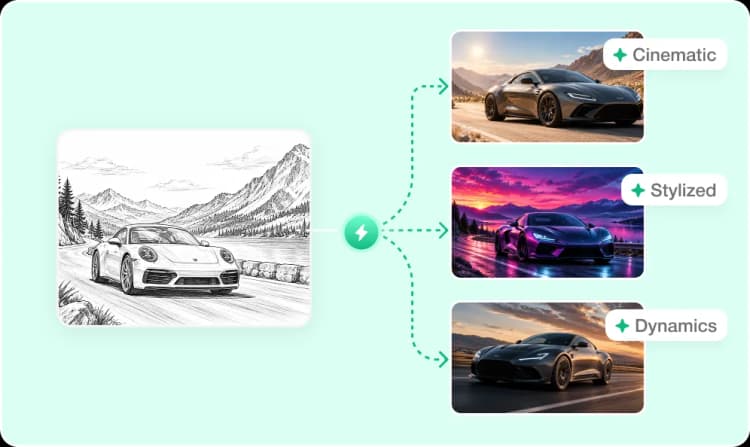
Designers
Explore cinematic, stylized, and dynamic motion from one direction.
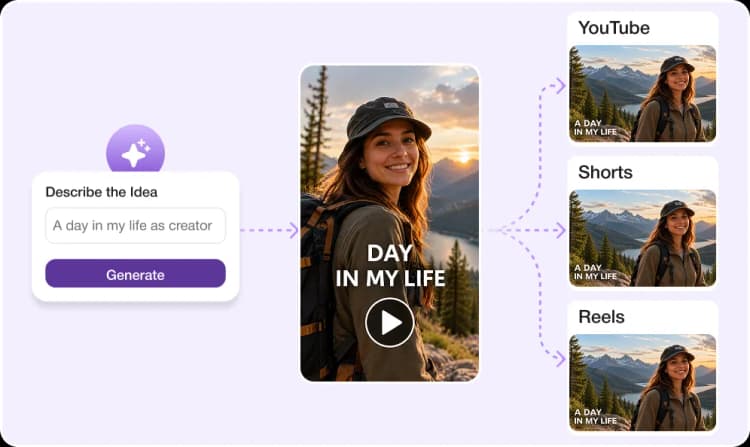
Content Creators
Turn one idea into YouTube, Shorts, and Reels faster.
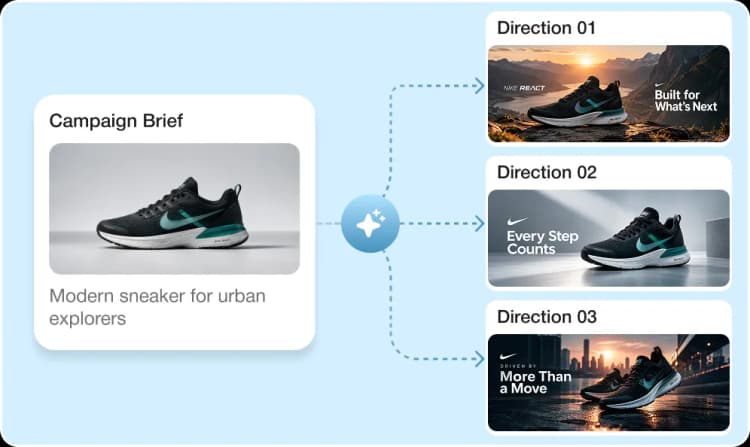
Agencies & Brands
Develop more creative video directions for campaigns and communications.
What Makes
the Difference
More Than Prompt → Video
Video Studio gives you control over the elements that make an AI-generated video feel intentional.
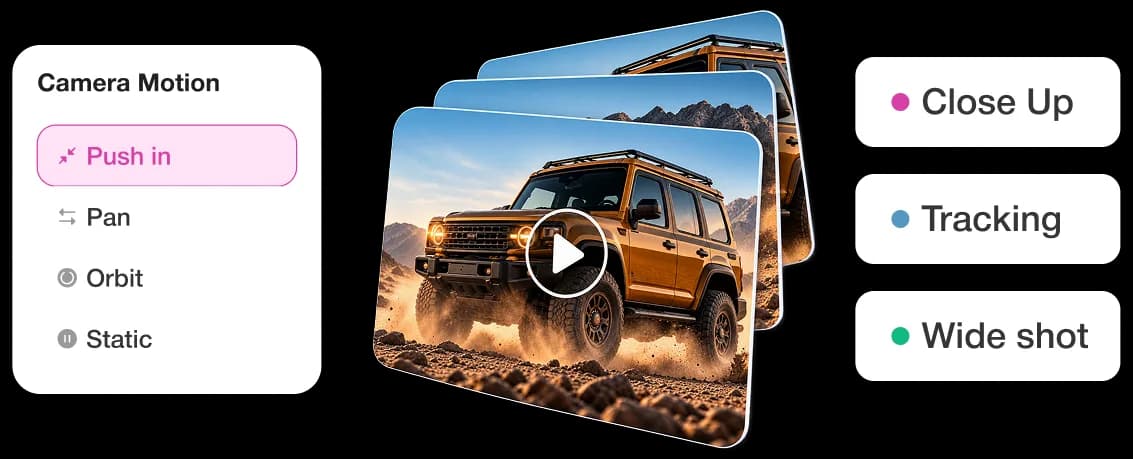
Motion Direction
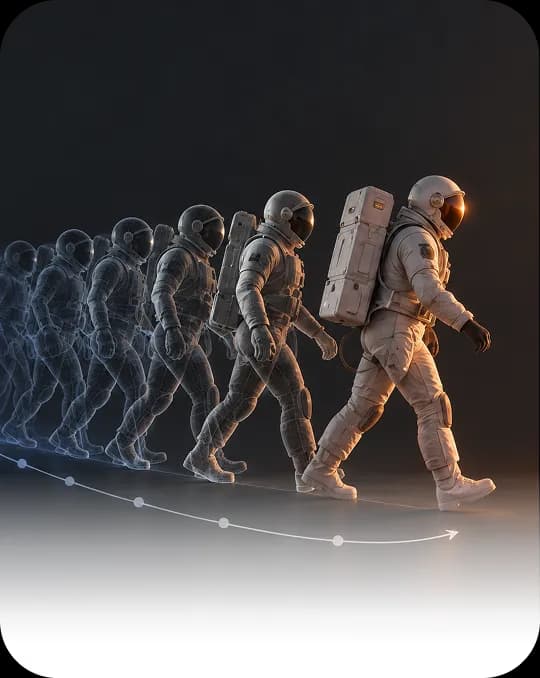
Describe camera movement, subject action, pacing, and visual atmosphere within your creative direction.
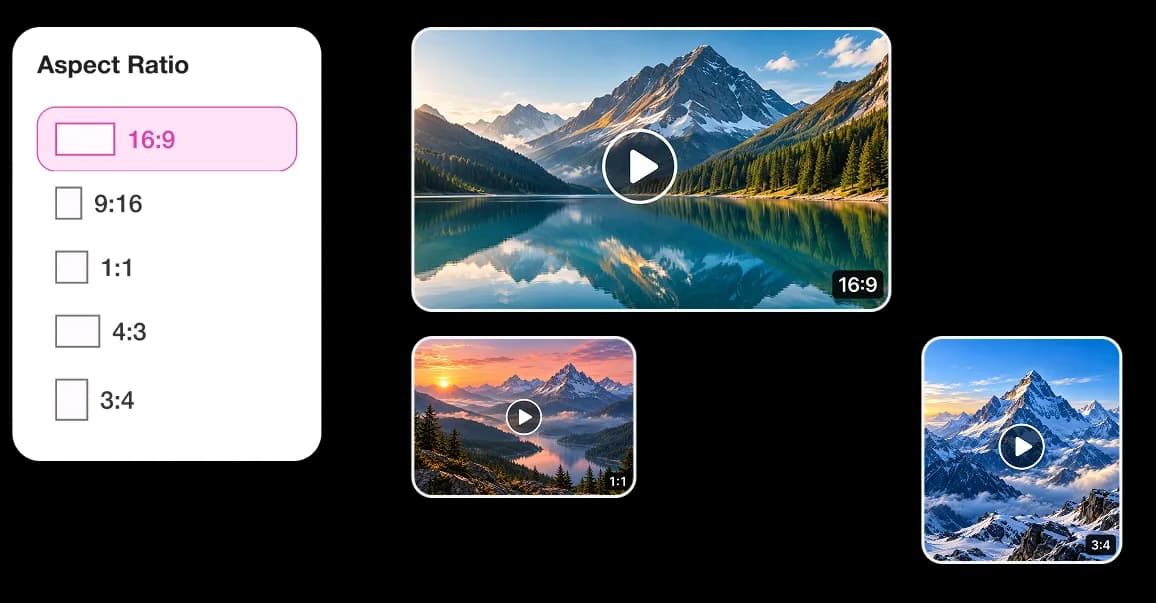
Flexible Output
Choose from 9:16, 1:1, 16:9, 4:3, and 3:4 formats, with adjustable duration and output resolution.
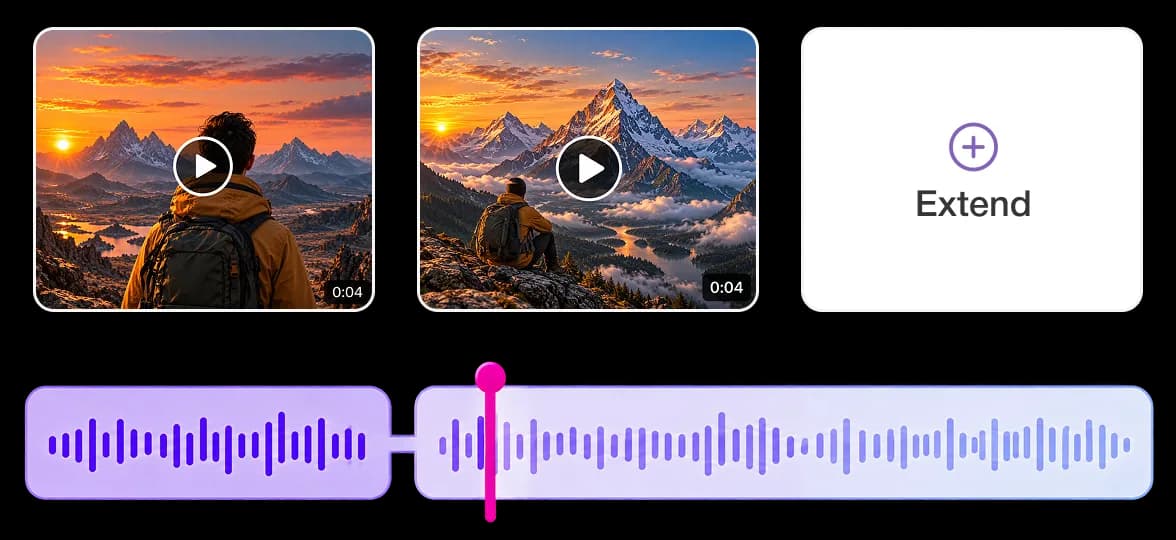
Continue the Story
Extend an existing video instead of starting a new generation when the story needs more time.
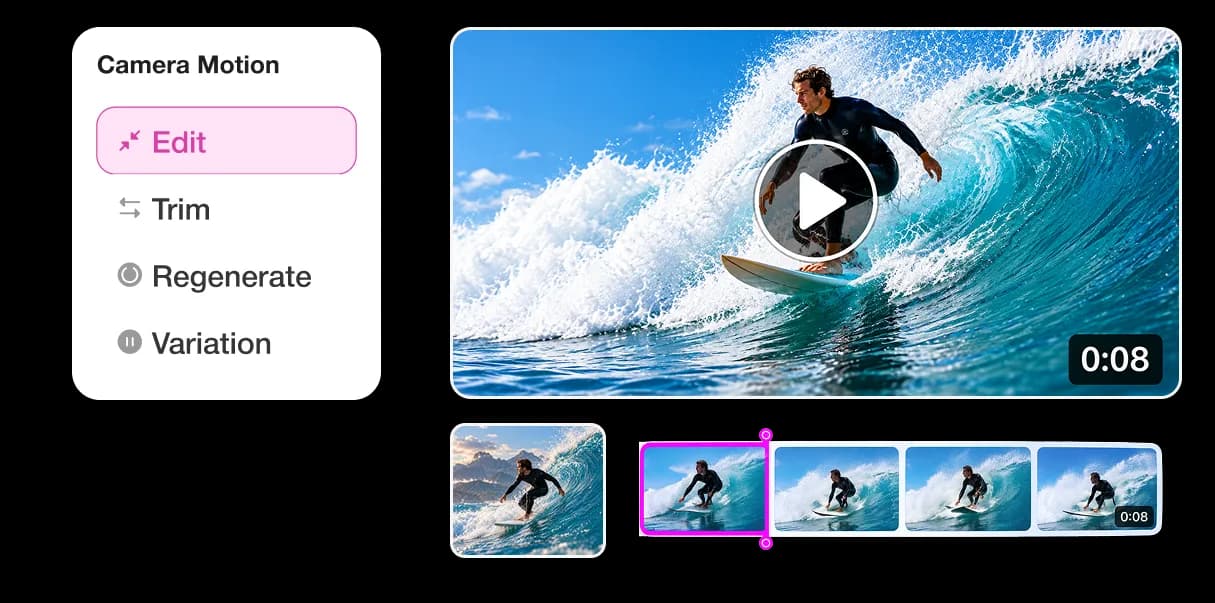
Shape the Result
Edit, Trim, Regenerate, Reprompt, or create a Variation from your generated video.
Don't just generate a clip.
Build the moment.Your Questions Answered
Frequently Asked Questions
Video Studio is StudioRoom's AI video creation workspace for turning ideas and creative directions into moving visuals.
No. Video Studio is built for creators at every level—guided direction and clear controls help you explore without needing film or production expertise.
You can direct camera movement, subject action, pacing, visual atmosphere, format, duration, and output quality from one connected workspace.
Choose from 9:16, 1:1, 16:9, 4:3, and 3:4 formats, with adjustable duration for different platforms and use cases.
Yes. Edit, trim, regenerate, reprompt, create variations, or extend an existing video when the story needs more time.
Video Studio supports adjustable output resolutions so you can match quality to your platform and delivery needs.
Yes. You can start creating with Video Studio for free, then upgrade when you need more generations or advanced features.

Give Your Ideas Motion
Turn a thought, scene, or story into a
video you can see, hear, and build on.